


This article includes links to outside resources. We are not responsible for the content on the external site. If there is a link that does not work, please email [email protected] and we will attempt to adjust the information with an updated link.
The Elements Service Team will provide support within Salesforce and Elements. If you or the team that manages your domain needs assistance, please work with your domain provider directly.
Why is Domain Verification Being Enforced?
As companies continue to enforce security and compliance measures, Salesforce is enforcing domain verification to ensure that Salesforce is authorized and verified to send emails on your domain's behalf. This helps to ensure that emails sent from Salesforce are DMARC (Domain-based Message Authentication, Reporting, and Conformance) compliant and the recipient is more likely to receive the email without it going to spam, junk, or bouncing.
Due to this, you may have received this email from Salesforce notifying you of this change.
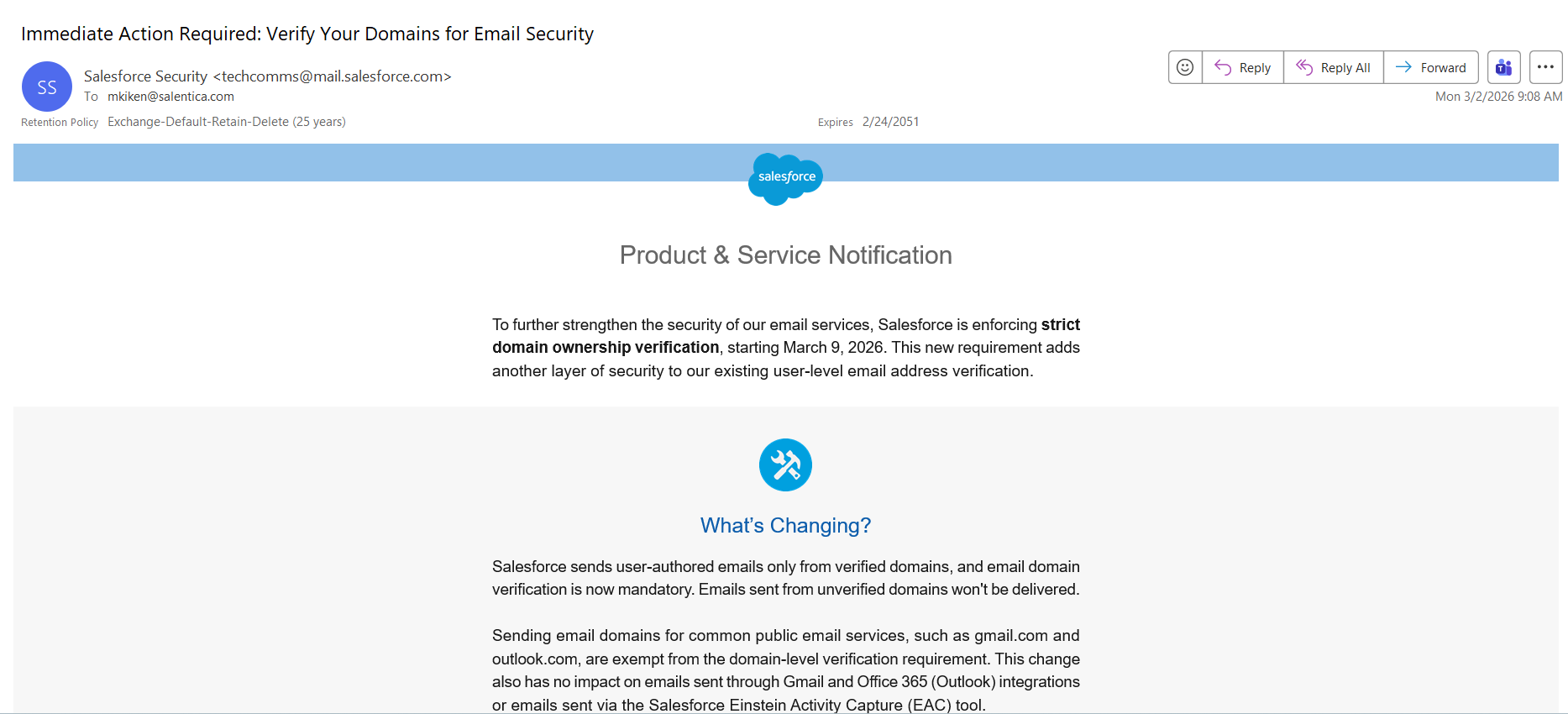
There are two potential ways to verify your domain, which are listed below.
If you have already implemented either DKIM Keys or Authorized Domains in your Elements organization then there should be no additional action that needs to be taken.
Implement DKIM Keys
Implementing DKIM Keys is the recommended domain verification method.
DKIM (DomainKeys Identified Mail) is a key that is used to verify email authenticity and prevent tampering in transit from the sender to the recipient. They are a standard practice on platforms that are sending emails on a domain's behalf, such as Salesforce. See Configuring DKIM Keys for Elements, for a guide on how to implement DKIM Keys.
Manage Authorized Domains
While DKIM Keys are the recommended option for domain verification, managing authorized domains between Salesforce and your DNS is an alternative method that may be employed. See Verify Your Email-Sending Domains, for how to implement this method for your firm.

